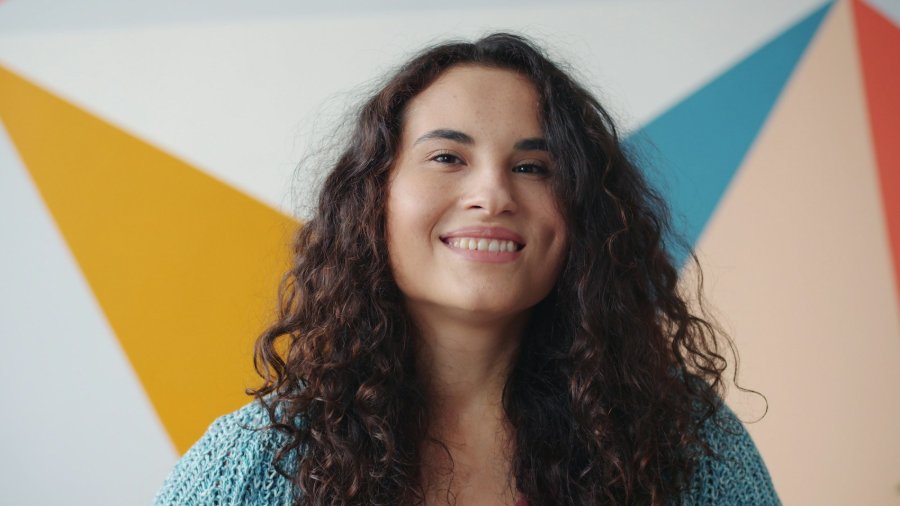
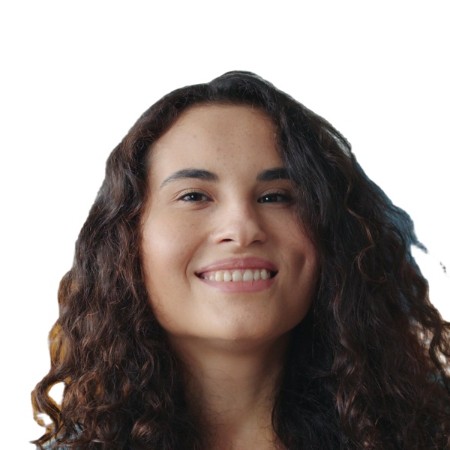
Schengen / EU Visa Photo requirements
A Schengen visa grants short-stay access (up to 90 days in any 180-day period) to 27 European countries with a single application. The photo follows the ICAO biometric standard — 35 × 45 mm — shared by most EU member states' passports and residence permits, so one specification covers a wide range of European documents.
- Photo dimensions
- 35 × 45 mm
- Head size
- 32–36 mm, chin to top of hair
- Background
- light grey
- Download resolution
- 300 DPI
- 35 × 45 mm (approximately 1⅜ × 1¾ inches).
- Head height 32 – 36 mm from chin to crown — 70 – 80% of the photo height.
- Light grey or white background, uniform and without shadows.
- Neutral expression, mouth closed, eyes open and clearly visible.
- No glasses (consulates have applied this rule since 2018 to align with ICAO standards).
- No hats or headwear except for documented religious or medical reasons.
- Taken within the last 6 months; the photo must reflect your current appearance.
- Front-facing, centred in the frame — no side angles.
- Resolution: 300 DPI.
Official photo guidelines
How to take a good photo at home
- Find a plain wall in good natural light — face a window so the light falls evenly across your face, with no shadows on your cheeks or the background.
- Ask someone to photograph you at eye level, far enough back that your head and shoulders both fit in the frame. A phone camera works fine.
- Upload the photo above. The editor detects your face, draws guide lines so you can confirm your head is within the 32–36 mm range, then crops and sizes everything automatically.
- Download and print the 4×6 sheet at a pharmacy or photo kiosk — usually a fraction of the cost of a dedicated passport photo service. Set print size to "actual size" (not "fit to page"), then cut along the grey lines to get four individual photos.
Common reasons photos are rejected
- Shadows on the face or background — caused by standing too close to the wall or shooting with harsh overhead light.
- Head out of range — too big or too small. Use the green guide lines in the editor to verify.
- Glasses — banned outright for most documents since 2016–2018.
- Not looking directly at the camera, or expression not neutral (open-mouth smiles are rejected).
- Photo printed to fit the page instead of at actual size — this scales the photo and changes the effective head size.
- Photo older than 6 months — authorities want a current likeness.
Requirements can change without notice. Always verify against the official government source before submitting.